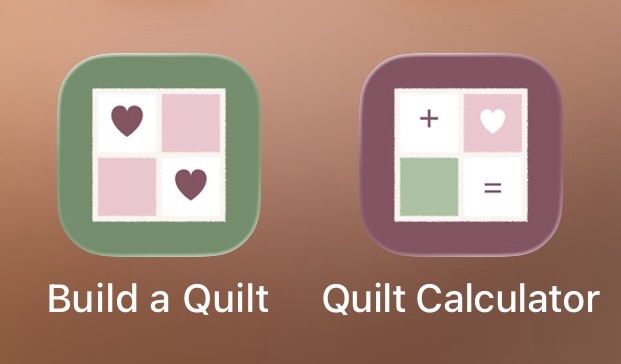
My two free tools can now live on your phone, right next to your other apps.
Build a Quilt lets you try your fabrics and seam colours before you cut, and the Quilt Calculator works out how many squares you need and how much fabric to buy. Save them to your home screen and they open with one tap, full screen, just like an app. There’s nothing to download, and they’re always up to date.
Go to raewynstewart.com and scroll down to find Build a Quilt and the Quilt Calculator. Open one, then:
On an iPhone
- In Safari, tap the three dots (⋯) at the bottom right of the screen. On older iPhones, tap the Share button, the square with an arrow.
- Tap Share, then “Add to Home Screen”, then Add.
On an Android phone
- In Chrome, tap the three dots at the top right of the screen.
- Tap “Add to Home screen”.
Then do the same for the other tool.
You’ll have a sage green icon with two hearts for Build a Quilt, and a plum icon for the Quilt Calculator.
If you opened my website from Facebook, tap “Open in Safari” or “Open in Chrome” first, or the option won’t show.
Tell me below once you’ve got them on your phone.
R x.
Leave a Reply